⚡ Complete Unlock Solution

Professional FRP & Auth Flash
for Xiaomi Devices

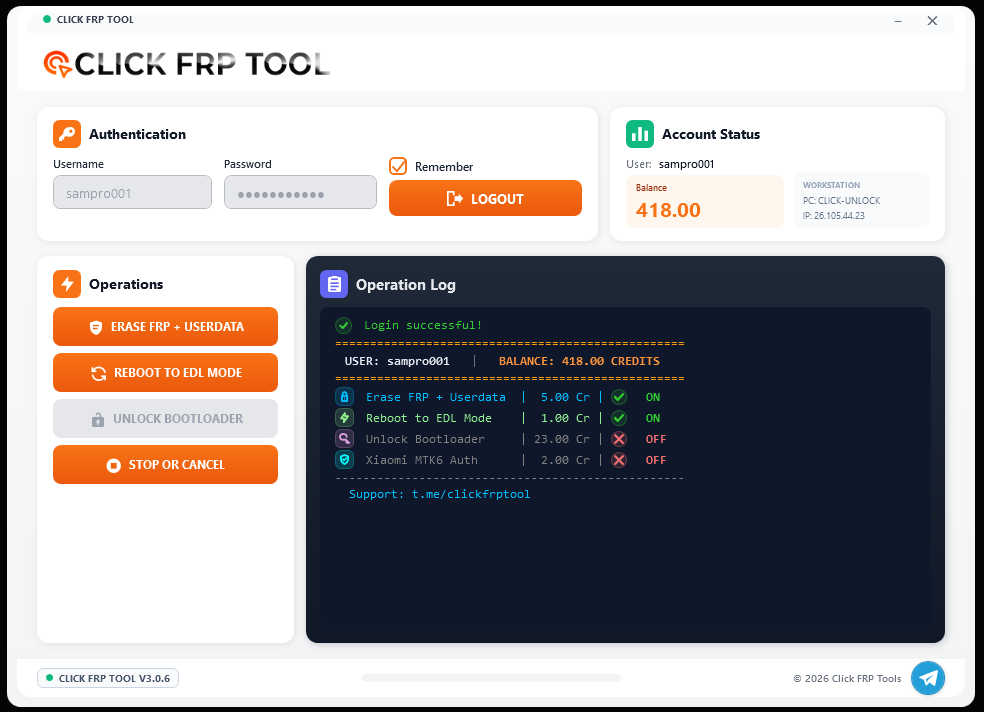
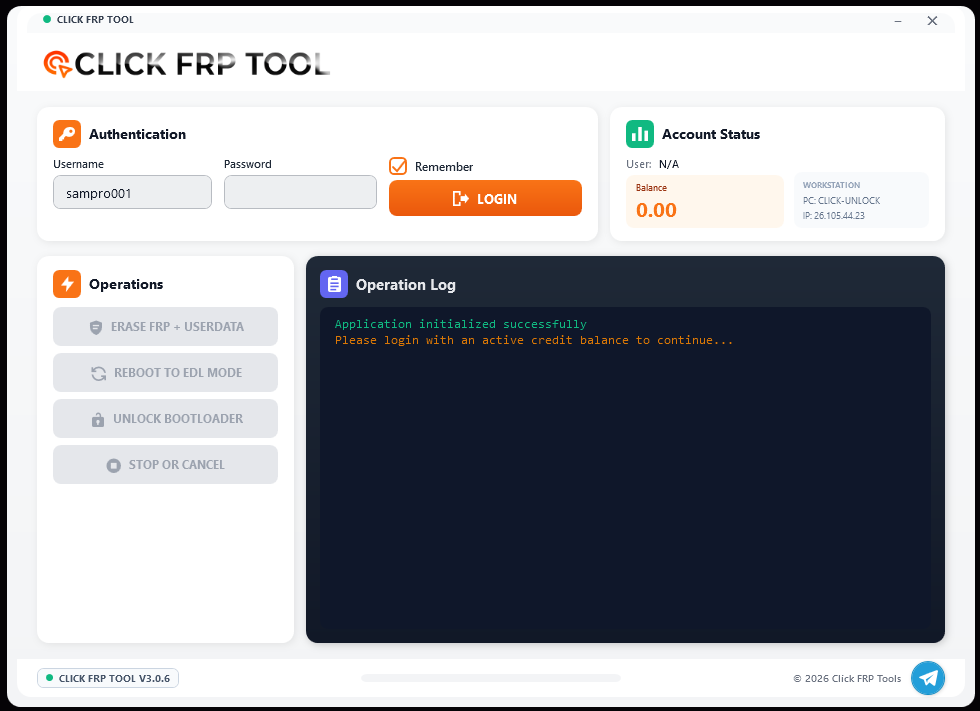
Complete toolkit featuring FRP bypass, MTK auth flash, FDL flashing, server authentication, and professional tools for all MIUI versions.

🔓
Device Unlocked
📱

Device

Xiaomi 13 Pro

Time

45 seconds

Status

Success

Why Choose Click FRP

Trusted by thousands of technicians worldwide for reliable and fast FRP bypass

Ultra Fast

Complete FRP bypass in under 45 seconds with our optimized server infrastructure.

🔐

Secure Auth

Server-based authentication ensures your operations are secure and verified.

📱

All Models

Works with all Xiaomi, Redmi, and Poco devices across every MIUI version.

🔄

Auto Updates

Stay compatible with the latest security patches through automatic updates.

💳

Credit System

Transparent pricing with real-time credit balance and usage tracking.

🔧

MTK Auth Flash

Professional auth flash support for MTK devices with deep flash and bootloader operations.

🎯

One Click

Simple one-click operation for both FRP and userdata removal.

Download Professional Tools

Get instant access to our complete toolkit for Xiaomi device management

📥

Click FRP Tool

The most reliable FRP bypass solution with server authentication and instant processing for all Xiaomi devices.

v1.0.0
Latest Version
38.2MB
File Size
50K+
Downloads
Download Click FRP
🔧

SP Flash Tool MTK v6

Essential flashing tool for MTK-powered Xiaomi devices. Required for auth flash operations and firmware installations.

v6.0
Latest Version
25.4MB
File Size
MTK
Platform
Download SP Flash Tool

🔐 Xiaomi Auth Flash with MTK v6

Professional authentication flashing for Xiaomi MTK devices

🎯 Auth Bypass

Bypass Xiaomi authentication and flash firmware on locked devices using authorized auth files.

Deep Flash

Perform deep flash operations including bootloader, preloader, and secure boot modifications.

🔓 FRP Remove

Remove Factory Reset Protection directly through flash mode without account credentials.

📱 MTK Support

Full support for all MediaTek-powered Xiaomi, Redmi, and Poco devices with MTK chipsets.

📋 Requirements & Setup

Windows 7/8/10/11 (64-bit recommended)
MTK USB VCOM Drivers installed
Authorized auth files for your device
Original USB cable for stable connection
Device in download/fastboot mode
Backup all important data before flashing